
In our final lab on December 7th, we were putting the final touches on all our filters and compiling them into one code file. Danny had written what he called the “Mirror Filter” which was eventually to be the section swap filter in our final. I thought that it could be a little glitchier, so while he and Molli were discussing how to make the weather filter be a bit more glitchy, I went and edited his code just a small bit. Instead of mirroring the top into the bottom, now it cuts the image into 4 different sections. On a picture with a square aspect ratio, the middle section is largest and basically unchanged, the bottom section is the second largest and flipped, and the top two sections are the smallest and one is upright and the other is flipped. On a picture with a rectangular aspect ratio, it does the same thing but also cuts some sections vertically instead of horizontally. I just changed the target to divide by 4 and subtract 1 each time instead of the target subtracting 1.
Category: Katie
Double Exposure Filter and RGB Edits
During our group meeting on Wednesday, December 5th, I worked on coding the double exposure filter. I worked from the example in the textbook (on page 185), where two pictures are overlapped. Unfortunately, this filter only works if the two pictures uploaded are the exact same pixel length on each side. If we have time, I would like to modify this so that it would work if the pictures are not the exact same size (but still the same aspect ratio).
Double exposure code below:
# Double Exposure
# In order for this to work, the two pictures uploaded must be EXACTLY the same size
# I mean, same aspect ratio AND same pixel length on each side
# Stretch goal: make this code work if the pictures are not exactly the same size

def doubleExposure():
  choose1 = pickAFile()
  choose2 = pickAFile()
  pic1 = makePicture(choose1)
  pic2 = makePicture(choose2)
  canvas = makeEmptyPicture(getWidth(pic1), getHeight(pic1))
  #copy columns
  overlap = getWidth(pic1)
  sourceX = 0
  for targetX in range(0,getWidth(pic1)):
    sourceY = 0
    for targetY in range(0,getHeight(pic2)):
      pic1Pixel = getPixel(pic1,sourceX,sourceY)
      pic2Pixel = getPixel(pic2, sourceX, sourceY)
      newRed = 0.50*getRed(pic1Pixel)+0.50*getRed(pic2Pixel)
      newGreen = 0.50*getGreen(pic1Pixel)+0.50*getGreen(pic2Pixel)
      newBlue = 0.50*getBlue(pic1Pixel)+0.50*getBlue(pic2Pixel)
      color = makeColor(newRed,newGreen,newBlue)
      setColor(getPixel(canvas,targetX,targetY),color)
      sourceY = sourceY + 1
    sourceX = sourceX + 1
  show(canvas)
  return(canvas)


doubleExposure()
I also worked on the randomizing the shifts in the RGB shift filter, and started working on the weather filter to make it overlay different .pngs of snow, fog, sun, and rain on top of an uploaded picture depending on the current weather conditions.
While working on randomizing the RGB Shift filter, I accidentally created another filter which we are going to use in place of the original proposal to delete file information. This is because it looks like it has corrupted the picture anyway. Example below: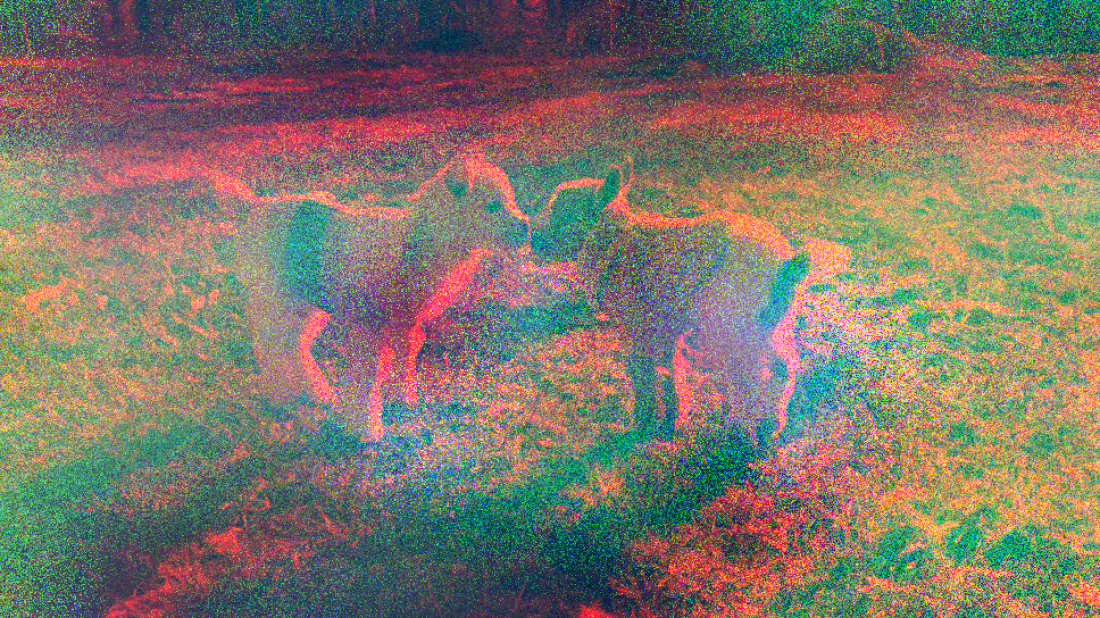
W14 Lab – Katie Dawe
I spent this weeks lab updating the categories structure of this WordPress site, and then learning about the differences of image processing in the GUI library we are using (jythonmusic.me) vs JES. I managed to write some code that isolates the red channel of a selected image. What remains is to be able to shift it from it’s original position and copy it onto a blank canvas. Code snippet below:
# GUI GLITCH GROUP
# RGB Shift

import gui
from image import *

# concept: grab all pixels and copy to new canvas 3x, each time shifting position and reducing colors
# code execution: imports image, removes all green and blue, returns new RED image

def copyPic():
  # set up source and target pictures
  src = Image(pickAFile())
  src.hide()
  # do the copying
  targetX = 0
  for sourceX in range(0,src.getWidth()):
    targetY = 0
    for sourceY in range(0, src.getHeight()):
      rgbList = []  #jython reads colors as a list
      pixelColor = src.getPixel(sourceX,sourceY)
      redValue = pixelColor[0]
      rgbList.append(redValue)
      greenValue = 0
      rgbList.append(greenValue)
      blueValue = 0
      rgbList.append(blueValue)
      rgbList.append(85) # alpha channel - supposed to reduce transparency but it doesn't look different when it generates
      src.setPixel(targetX, targetY, rgbList)
      targetY = targetY + 1
    targetX = targetX + 1
  src.show()

copyPic()

#the hard part is figuring out how to copy this to a blank canvas - since Jython treats images differently and does not allow you
# to just 'display.add(image)'. then we will need to figure out how to copy the position offset

# we will need to execute the above code three times - for each RGB channel - and place them on a new canvas in slightly different
# positions. then we can write it into a jpg or png from Jython
EDIT:
After lab, I added some changes that turns the image into icons and places them on a canvas. However, it’s still not working due to some alpha channel issues.
# GUI GLITCH GROUP
# RGB Shift

import gui
from image import *

# concept: grab all pixels and copy to new canvas 3x, each time shifting position and reducing colors

def copyPic():
  # set up source and target pictures
  src = Image(pickAFile())
  src.hide()
  canvas = gui.Display("RGB Shift", src.getWidth(), src.getHeight())
  # do the copying

  targetX = 0
  for sourceX in range(0,src.getWidth()):
    targetY = 0
    for sourceY in range(0, src.getHeight()):
      rgbList = []  #jython reads colors as a list
      pixelColor = src.getPixel(sourceX,sourceY)
      redValue = pixelColor[0]
      rgbList.append(redValue)
      greenValue = 0
      rgbList.append(greenValue)
      blueValue = 0
      rgbList.append(blueValue)
      rgbList.append(85) # alpha channel - supposed to reduce transparency but it's not working
      src.setPixel(targetX, targetY, rgbList)
      targetY = targetY + 1
    targetX = targetX + 1

  src.write("Users/Katie/Desktop/ATLS3000/final project/media/adjustedPictureRed.png")
  redChannel = gui.Icon("Users/Katie/Desktop/ATLS3000/final project/media/adjustedPictureRed.png")

  targetX = 0
  for sourceX in range(0,src.getWidth()):
    targetY = 0
    for sourceY in range(0, src.getHeight()):
      rgbList = []  #jython reads colors as a list
      pixelColor = src.getPixel(sourceX,sourceY)
      redValue = 0
      rgbList.append(redValue)
      greenValue = pixelColor[1]
      rgbList.append(greenValue)
      blueValue = 0
      rgbList.append(blueValue)
      rgbList.append(85) # alpha channel - supposed to reduce transparency but it's not working
      src.setPixel(targetX, targetY, rgbList)
      targetY = targetY + 1
    targetX = targetX + 1

  src.write("Users/Katie/Desktop/ATLS3000/final project/media/adjustedPictureGreen.png")
  greenChannel = gui.Icon("Users/Katie/Desktop/ATLS3000/final project/media/adjustedPictureGreen.png")

  targetX = 0
  for sourceX in range(0,src.getWidth()):
    targetY = 0
    for sourceY in range(0, src.getHeight()):
      rgbList = []  #jython reads colors as a list
      pixelColor = src.getPixel(sourceX,sourceY)
      redValue = 0
      rgbList.append(redValue)
      greenValue = 0
      rgbList.append(greenValue)
      blueValue = pixelColor[2]
      rgbList.append(blueValue)
      rgbList.append(85) # alpha channel - supposed to reduce transparency but it's not working
      src.setPixel(targetX, targetY, rgbList)
      targetY = targetY + 1
    targetX = targetX + 1

  src.write("Users/Katie/Desktop/ATLS3000/final project/media/adjustedPictureBlue.png")
  blueChannel = gui.Icon("Users/Katie/Desktop/ATLS3000/final project/media/adjustedPictureBlue.png")

  canvas.add(redChannel, -5, -5)
  canvas.add(greenChannel, 0, 0)
  canvas.add(blueChannel, 5, 5)
  canvas.show()


copyPic()

# okay, I am able to get all three channels onto a new canvas by turning them into icons ... but it turns out black
W14H2 – Katie Dawe
Helpful Links and More
The first thing I did was create a code repository. Then, like others, I did general research into what has been done in the glitch art realm in Python. I compiled a list of helpful links (below), however, after looking further into specific examples I realized that none of these links might actually be helpful.
General Resources
Filter Specific Resources
The problem with every single resource that I found was that they all imported a module called Pillow. After attempting to import this module and doing a brief google search on how to import Pillow into JES, I found out that this specific module is incompatible with JES. I then researched GUI modules for Python, considering that maybe we should write application this outside of JES. My next step will be consulting with the TAs on whether we should find a workaround in JES or consider coding in Python directly.

