During our group meeting on Wednesday, December 5th, I worked on coding the double exposure filter. I worked from the example in the textbook (on page 185), where two pictures are overlapped. Unfortunately, this filter only works if the two pictures uploaded are the exact same pixel length on each side. If we have time, I would like to modify this so that it would work if the pictures are not the exact same size (but still the same aspect ratio).
Double exposure code below:
# Double Exposure
# In order for this to work, the two pictures uploaded must be EXACTLY the same size
# I mean, same aspect ratio AND same pixel length on each side
# Stretch goal: make this code work if the pictures are not exactly the same size

def doubleExposure():
  choose1 = pickAFile()
  choose2 = pickAFile()
  pic1 = makePicture(choose1)
  pic2 = makePicture(choose2)
  canvas = makeEmptyPicture(getWidth(pic1), getHeight(pic1))
  #copy columns
  overlap = getWidth(pic1)
  sourceX = 0
  for targetX in range(0,getWidth(pic1)):
    sourceY = 0
    for targetY in range(0,getHeight(pic2)):
      pic1Pixel = getPixel(pic1,sourceX,sourceY)
      pic2Pixel = getPixel(pic2, sourceX, sourceY)
      newRed = 0.50*getRed(pic1Pixel)+0.50*getRed(pic2Pixel)
      newGreen = 0.50*getGreen(pic1Pixel)+0.50*getGreen(pic2Pixel)
      newBlue = 0.50*getBlue(pic1Pixel)+0.50*getBlue(pic2Pixel)
      color = makeColor(newRed,newGreen,newBlue)
      setColor(getPixel(canvas,targetX,targetY),color)
      sourceY = sourceY + 1
    sourceX = sourceX + 1
  show(canvas)
  return(canvas)


doubleExposure()
I also worked on the randomizing the shifts in the RGB shift filter, and started working on the weather filter to make it overlay different .pngs of snow, fog, sun, and rain on top of an uploaded picture depending on the current weather conditions.
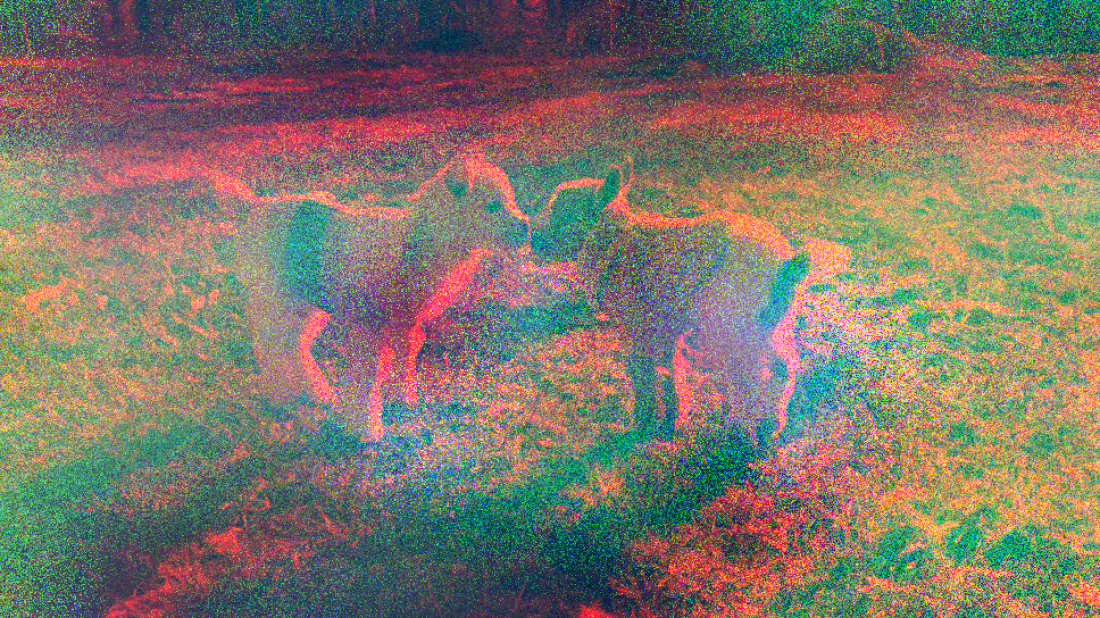
While working on randomizing the RGB Shift filter, I accidentally created another filter which we are going to use in place of the original proposal to delete file information. This is because it looks like it has corrupted the picture anyway. Example below: