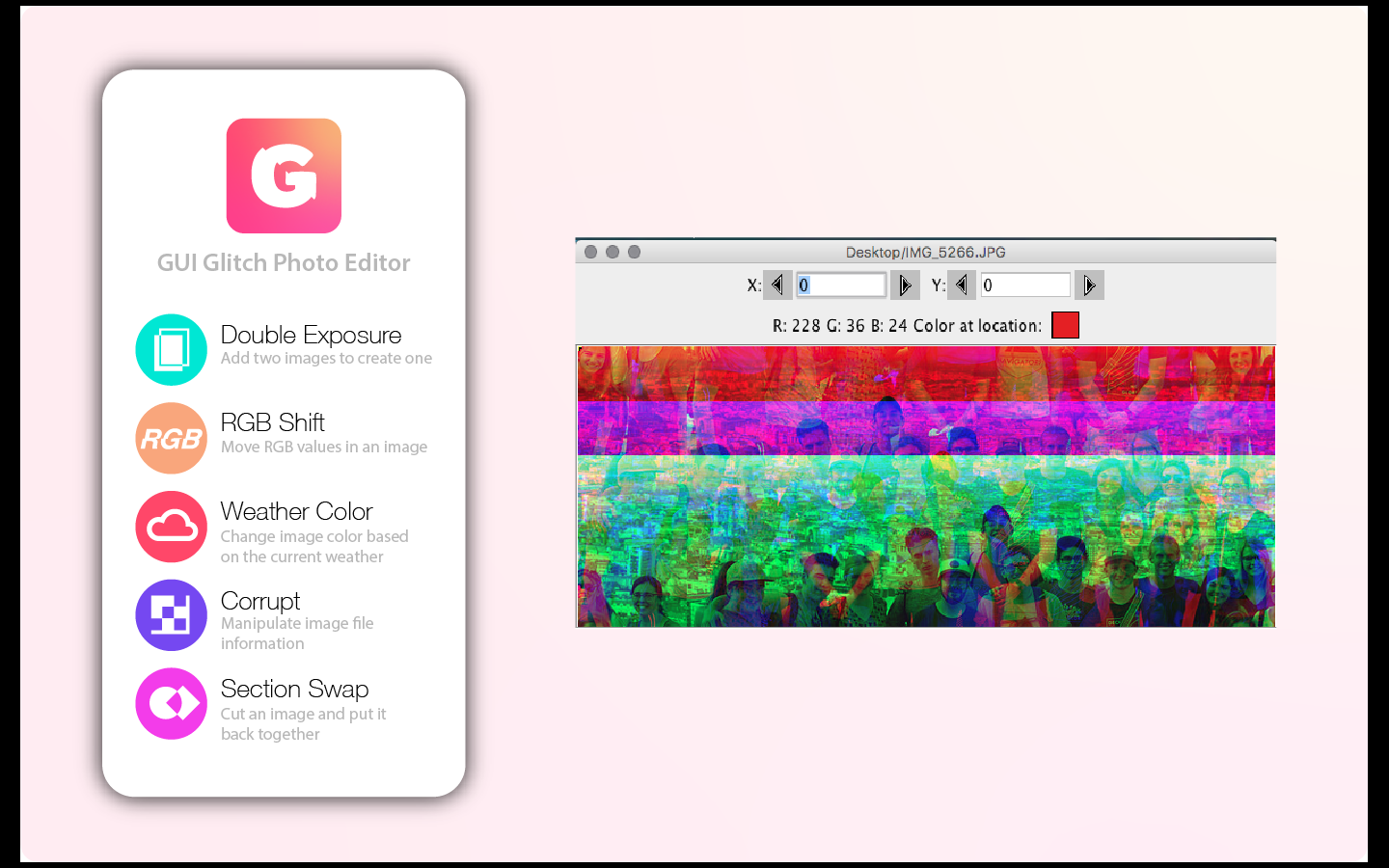
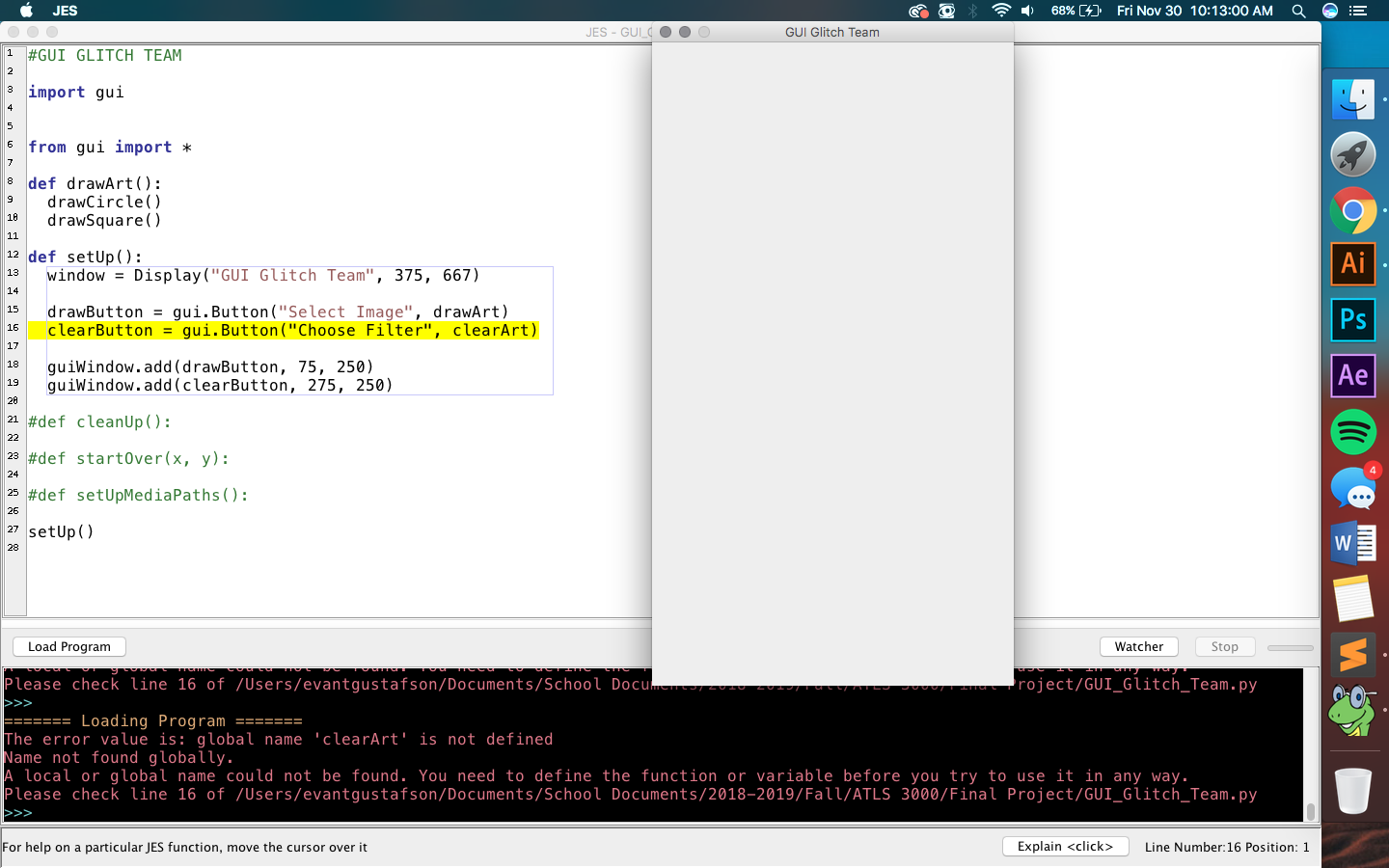
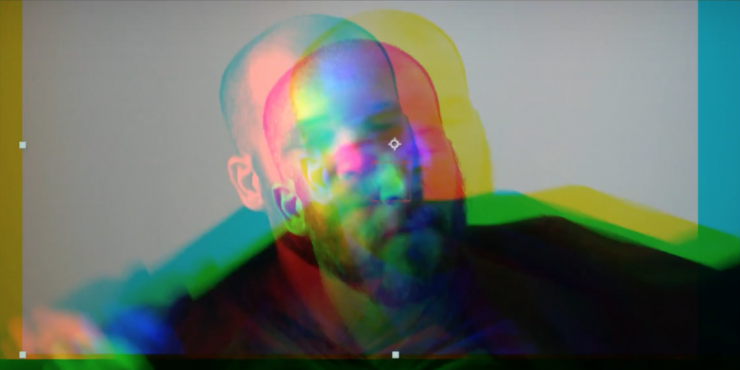
I spent this weeks lab updating the categories structure of this WordPress site, and then learning about the differences of image processing in the GUI library we are using (jythonmusic.me) vs JES. I managed to write some code that isolates the red channel of a selected image. What remains is to be able to shift it from it’s original position and copy it onto a blank canvas. Code snippet below:
# GUI GLITCH GROUP
# RGB Shift

import gui
from image import *

# concept: grab all pixels and copy to new canvas 3x, each time shifting position and reducing colors
# code execution: imports image, removes all green and blue, returns new RED image

def copyPic():
  # set up source and target pictures
  src = Image(pickAFile())
  src.hide()
  # do the copying
  targetX = 0
  for sourceX in range(0,src.getWidth()):
    targetY = 0
    for sourceY in range(0, src.getHeight()):
      rgbList = []  #jython reads colors as a list
      pixelColor = src.getPixel(sourceX,sourceY)
      redValue = pixelColor[0]
      rgbList.append(redValue)
      greenValue = 0
      rgbList.append(greenValue)
      blueValue = 0
      rgbList.append(blueValue)
      rgbList.append(85) # alpha channel - supposed to reduce transparency but it doesn't look different when it generates
      src.setPixel(targetX, targetY, rgbList)
      targetY = targetY + 1
    targetX = targetX + 1
  src.show()

copyPic()

#the hard part is figuring out how to copy this to a blank canvas - since Jython treats images differently and does not allow you
# to just 'display.add(image)'. then we will need to figure out how to copy the position offset

# we will need to execute the above code three times - for each RGB channel - and place them on a new canvas in slightly different
# positions. then we can write it into a jpg or png from Jython
EDIT:
After lab, I added some changes that turns the image into icons and places them on a canvas. However, it’s still not working due to some alpha channel issues.
# GUI GLITCH GROUP
# RGB Shift

import gui
from image import *

# concept: grab all pixels and copy to new canvas 3x, each time shifting position and reducing colors

def copyPic():
  # set up source and target pictures
  src = Image(pickAFile())
  src.hide()
  canvas = gui.Display("RGB Shift", src.getWidth(), src.getHeight())
  # do the copying

  targetX = 0
  for sourceX in range(0,src.getWidth()):
    targetY = 0
    for sourceY in range(0, src.getHeight()):
      rgbList = []  #jython reads colors as a list
      pixelColor = src.getPixel(sourceX,sourceY)
      redValue = pixelColor[0]
      rgbList.append(redValue)
      greenValue = 0
      rgbList.append(greenValue)
      blueValue = 0
      rgbList.append(blueValue)
      rgbList.append(85) # alpha channel - supposed to reduce transparency but it's not working
      src.setPixel(targetX, targetY, rgbList)
      targetY = targetY + 1
    targetX = targetX + 1

  src.write("Users/Katie/Desktop/ATLS3000/final project/media/adjustedPictureRed.png")
  redChannel = gui.Icon("Users/Katie/Desktop/ATLS3000/final project/media/adjustedPictureRed.png")

  targetX = 0
  for sourceX in range(0,src.getWidth()):
    targetY = 0
    for sourceY in range(0, src.getHeight()):
      rgbList = []  #jython reads colors as a list
      pixelColor = src.getPixel(sourceX,sourceY)
      redValue = 0
      rgbList.append(redValue)
      greenValue = pixelColor[1]
      rgbList.append(greenValue)
      blueValue = 0
      rgbList.append(blueValue)
      rgbList.append(85) # alpha channel - supposed to reduce transparency but it's not working
      src.setPixel(targetX, targetY, rgbList)
      targetY = targetY + 1
    targetX = targetX + 1

  src.write("Users/Katie/Desktop/ATLS3000/final project/media/adjustedPictureGreen.png")
  greenChannel = gui.Icon("Users/Katie/Desktop/ATLS3000/final project/media/adjustedPictureGreen.png")

  targetX = 0
  for sourceX in range(0,src.getWidth()):
    targetY = 0
    for sourceY in range(0, src.getHeight()):
      rgbList = []  #jython reads colors as a list
      pixelColor = src.getPixel(sourceX,sourceY)
      redValue = 0
      rgbList.append(redValue)
      greenValue = 0
      rgbList.append(greenValue)
      blueValue = pixelColor[2]
      rgbList.append(blueValue)
      rgbList.append(85) # alpha channel - supposed to reduce transparency but it's not working
      src.setPixel(targetX, targetY, rgbList)
      targetY = targetY + 1
    targetX = targetX + 1

  src.write("Users/Katie/Desktop/ATLS3000/final project/media/adjustedPictureBlue.png")
  blueChannel = gui.Icon("Users/Katie/Desktop/ATLS3000/final project/media/adjustedPictureBlue.png")

  canvas.add(redChannel, -5, -5)
  canvas.add(greenChannel, 0, 0)
  canvas.add(blueChannel, 5, 5)
  canvas.show()


copyPic()

# okay, I am able to get all three channels onto a new canvas by turning them into icons ... but it turns out black